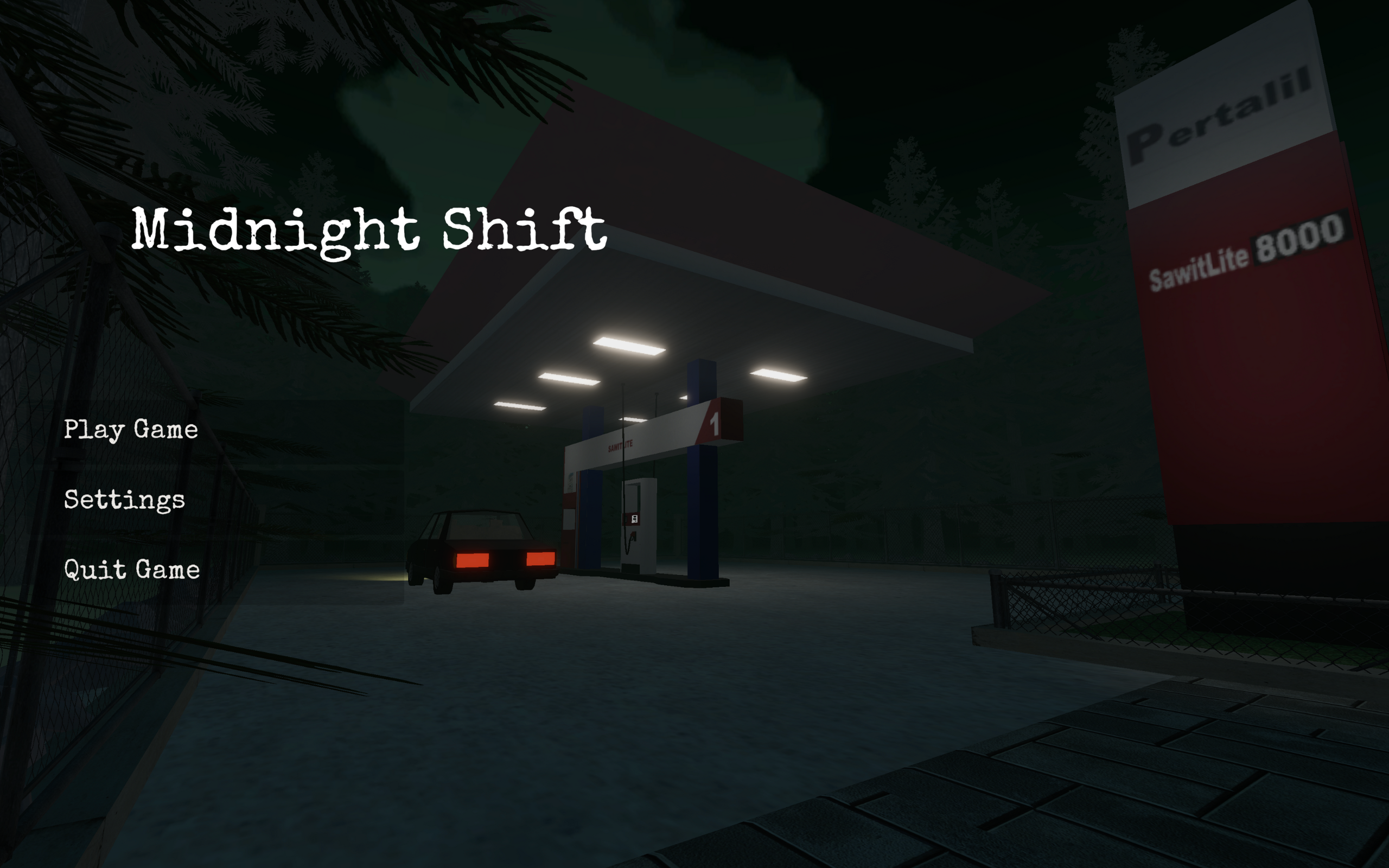
The night shift is quiet, but not every driver is who they seem. In Midnight Shift, you take on the role of an undercover agent posing as a gas station attendant on a lonely highway. Your objective is to identify extraterrestrial threats disguised as ordinary travelers while keeping your cover intact. Blending atmospheric horror with job simulation, the game challenges you to balance the mundane tasks of refueling cars with spotting the fakes. Observe customer behavior, inspect vehicles for anomalies, and make split-second decisions, because letting an impostor escape will cost you your hard-earned wages.
Chapter I - The Solo Developer Journey
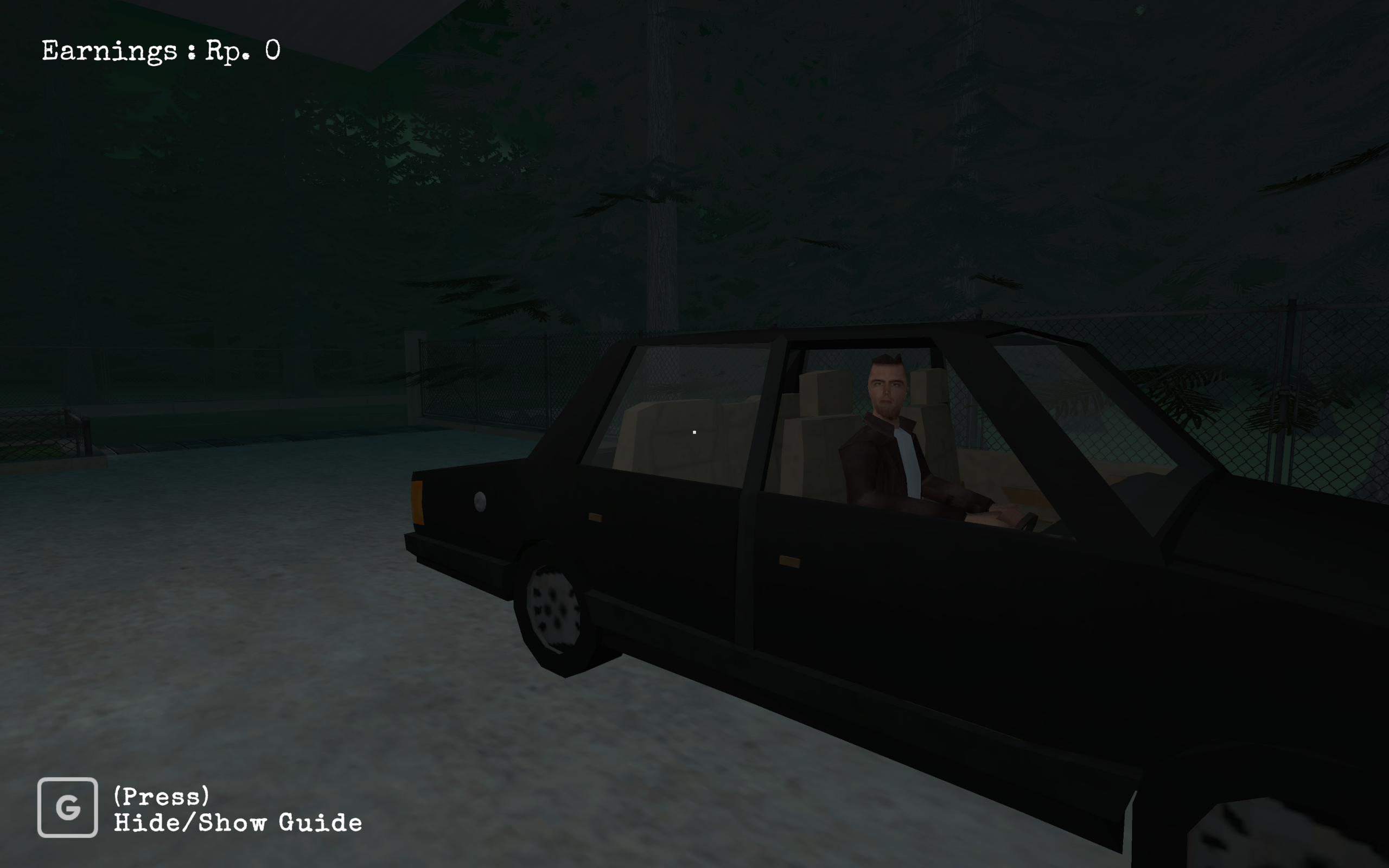
For the longest time, I aspired to be a ‘one-man army’, a developer capable of building an entire game single-handedly. Early this year, I turned that ambition into reality. I taught myself the entire pipeline: from 3D modeling to game optimization to the complexities of commercial licensing. This project represents a personal milestone: turning a concept into a fully realized game, from the first line of code to the final release.
My role on the project: Programmer, Game Designer, 3D Artist
Chapter II - Preparation
After graduating from the Apple Developer Academy, I wanted to build a game driven by environmental storytelling to develop my 3D modeling skills. My initial concept was a horror game set in my former dormitory, ‘Rusunawa BPJS Kabil’. I gathered reference photos and started planning, but quickly realized that modeling a massive, multi-story complex was too ambitious for a beginner.
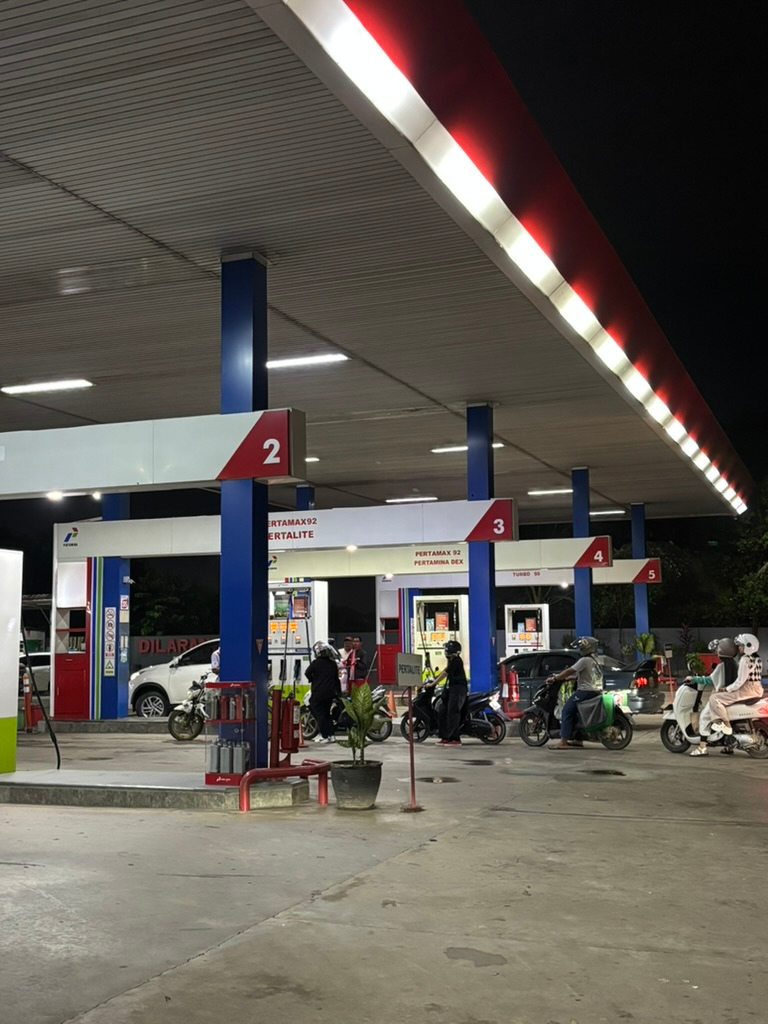
I needed a pivot. The breakthrough came during a late-night stop at a gas station. The isolated atmosphere was perfect: small, contained, yet eerie. I shifted my focus to a new concept: a job simulator where the player acts as a gas station attendant but is secretly an agent hunting aliens. For the core mechanics, I drew inspiration from Papers, Please, focusing on the tension of inspecting customers to detect anomalies. With the concept locked in, I started gathering reference material for my new, more manageable setting.
Chapter III - 3D
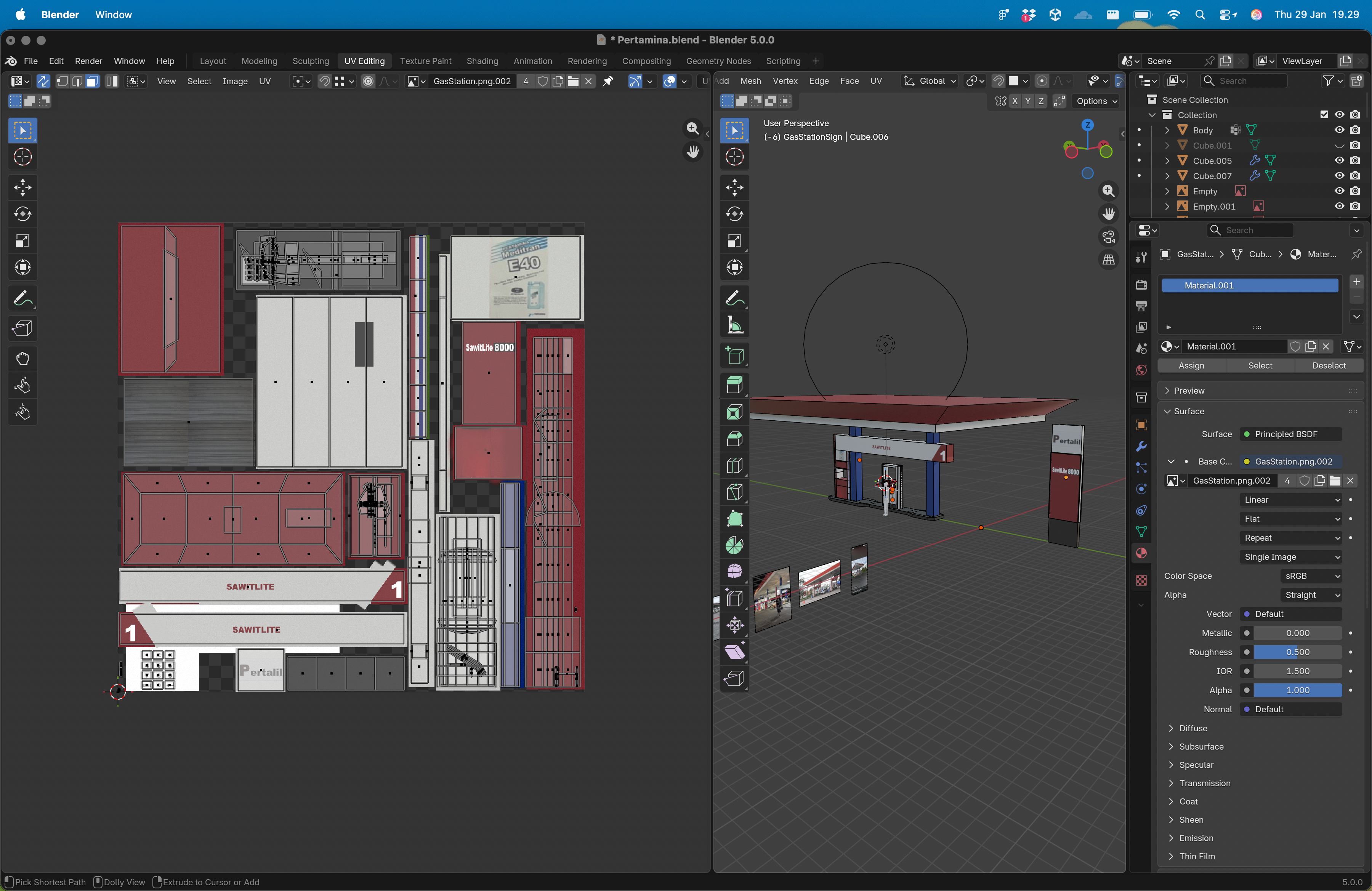 3D Modeling and UV Unwrapping in Blender
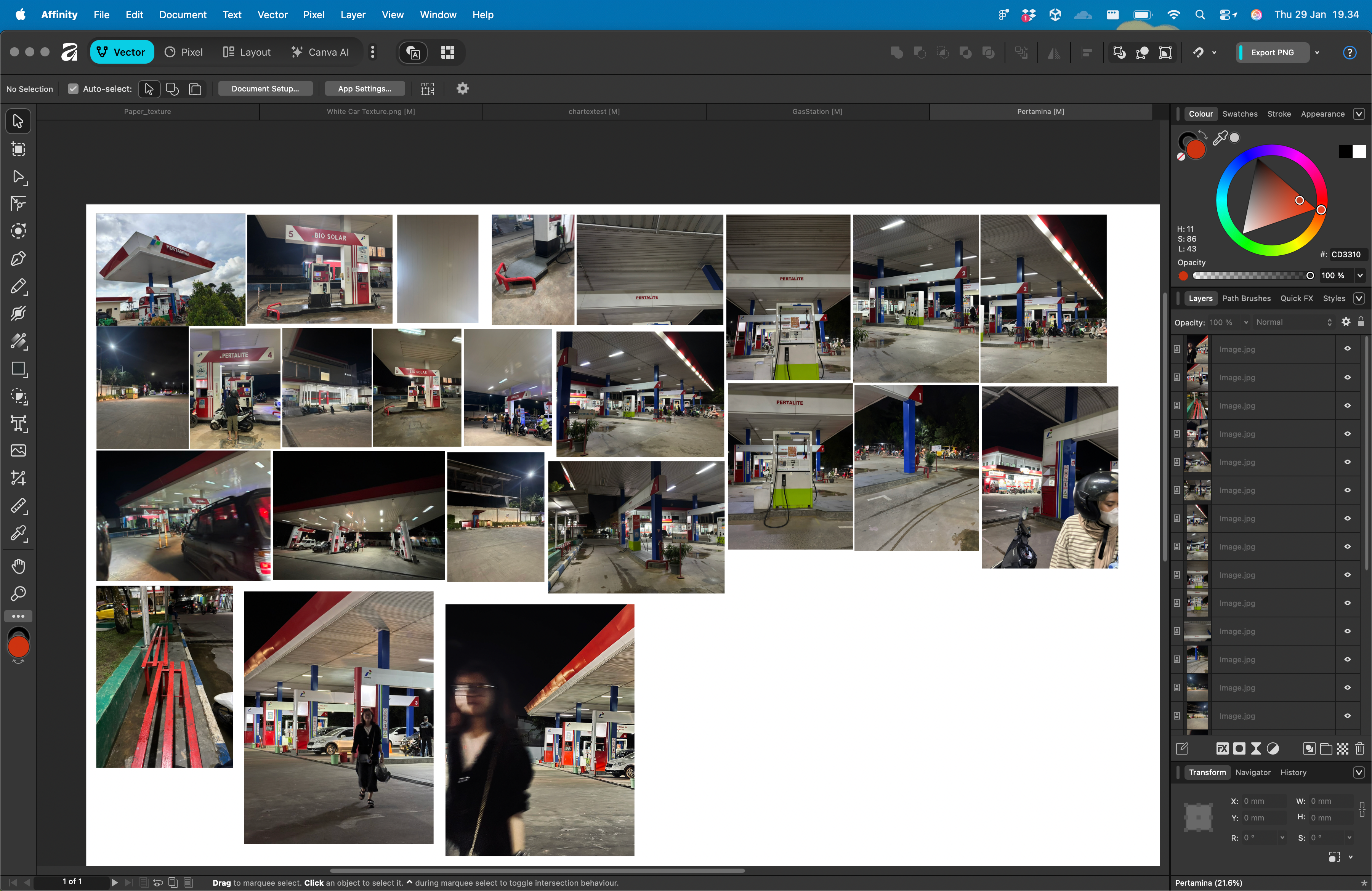 Building Reference
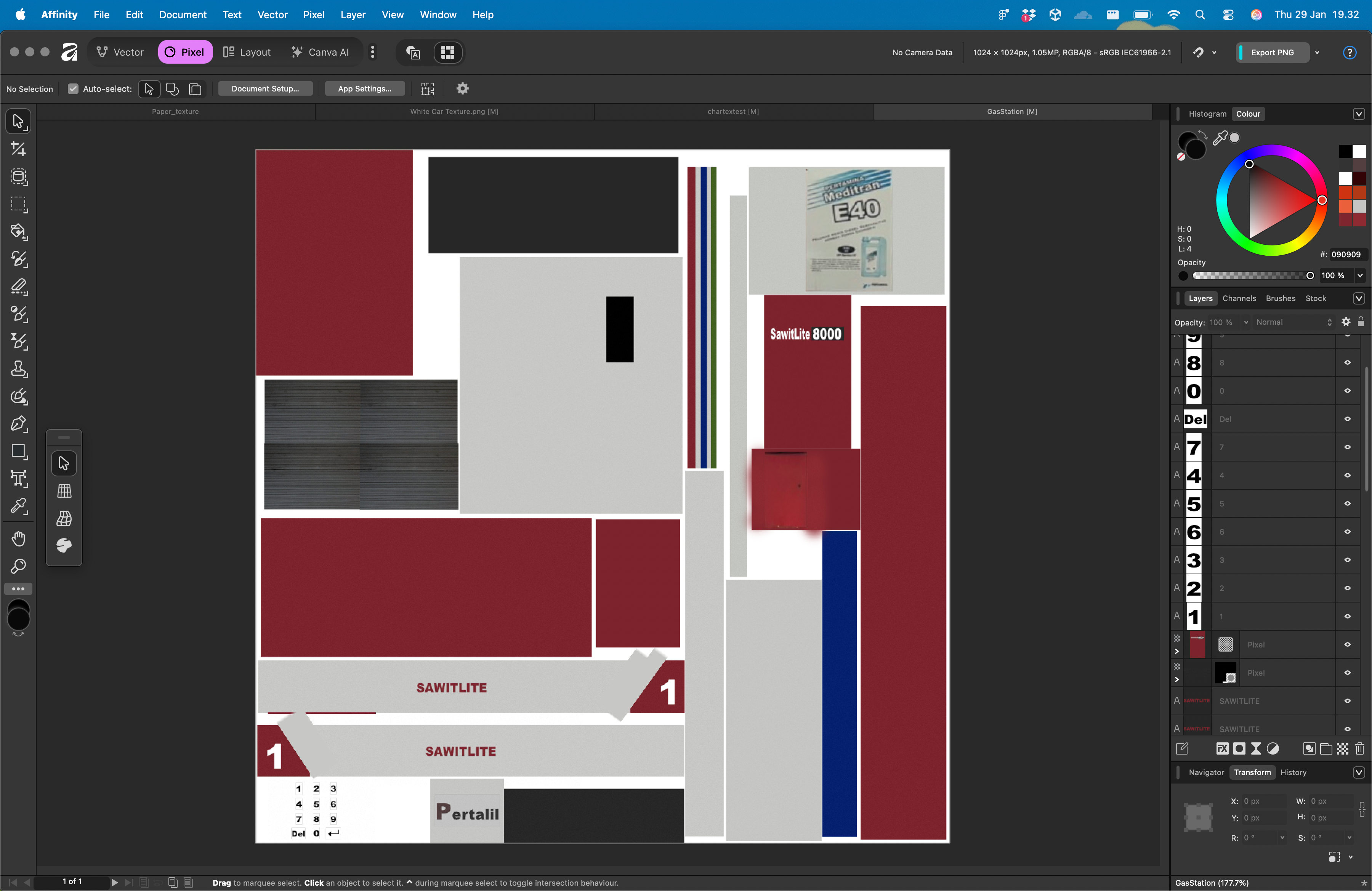 Texture painting in Affinity
Here is a breakdown of my 3D pipeline using Blender and Affinity. I am remarkably proud of how the final models turned out, especially since this was my first deep dive into 3D art.
Chapter IV - Code
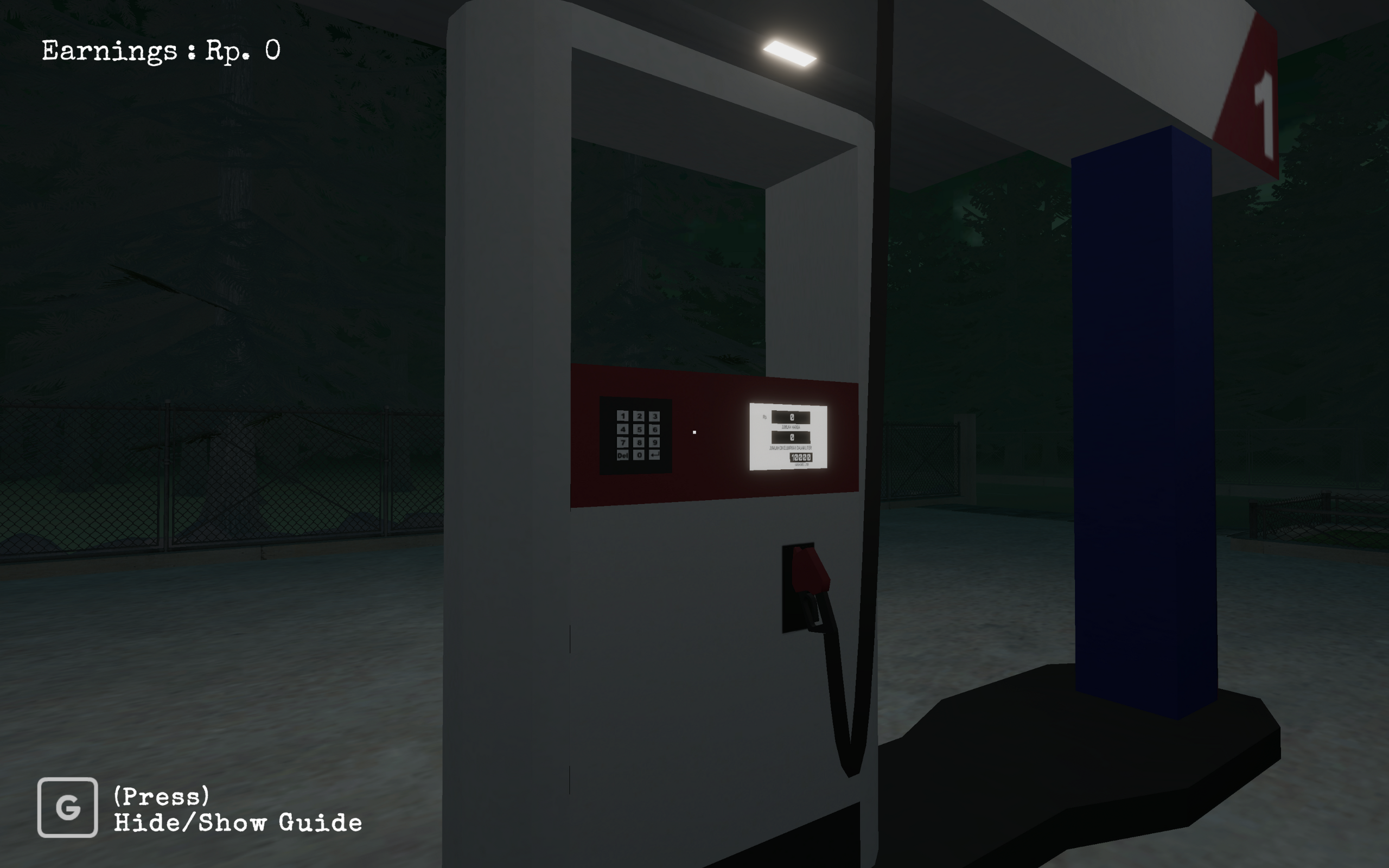
When writing game code, optimization is my primary focus. Building on lessons from my previous project, Rescue Plan, I adopted a strict policy of minimizing Update() calls, reserving them almost exclusively for the Player. I also implemented efficient object management, avoiding expensive instantiation and destruction in favor of resetting object transforms. Furthermore, this project marked my first successful implementation of Unity’s new Input System for modern, responsive controls.
public interface IInteractable { void Interact(Transform playerHand, PlayerInputHandler playerInputHandler); Vector3 GetInteractableTransform(); string GetScriptName() { return GetType().Name; } } public class GasPumpHandle : MonoBehaviour, IInteractable { [SerializeField] private HandleAttachmentTrigger handleAttachmentTrigger; private FuelingSystem fuelingSystem; private readonly Vector3 interactOffset = new Vector3(0.4f, 0.2f, 0f);
void Start() { fuelingSystem = FindAnyObjectByType<FuelingSystem>(); }
public Vector3 GetInteractableTransform() { return transform.position + interactOffset; }
public void Interact(Transform playerHand, PlayerInputHandler playerInputHandler) { transform.SetParent(playerHand); transform.position = playerHand.position; transform.rotation = playerHand.rotation; Debug.Log("Interacting with pump handle"); fuelingSystem.StopFueling();
handleAttachmentTrigger.SetBoxCollider(true);
AudioManager.Instance.PlaySFXAtPosition(GameManager.Instance.GetAudioLibrary().PumpStart, transform.position); } }Chapter V - The Licensing Lesson
While preparing this portfolio, I encountered a significant learning curve regarding software licensing. I initially assumed that because assets were ‘free’ on the Unity Asset Store, I could freely include them in my public GitHub repository. I was wrong. After carefully reviewing the license agreements, I learned a crucial distinction: having the right to use an asset in a game is not the same as having the right to redistribute the raw files. This experience gave me a much deeper respect for Intellectual Property rights and proper asset management.
Retrospective: Things I’m Proud Of
This is the first project I completed entirely solo, from initial ideation to final release. It marks a major milestone as my first time designing and texturing custom 3D models to support my gameplay vision. Throughout development, I also mastered game optimization, navigated software licensing, and successfully published the final build to the Mac App Store.